BeeQueenTransportBox
Box to hold Bee Queen Transport Cages
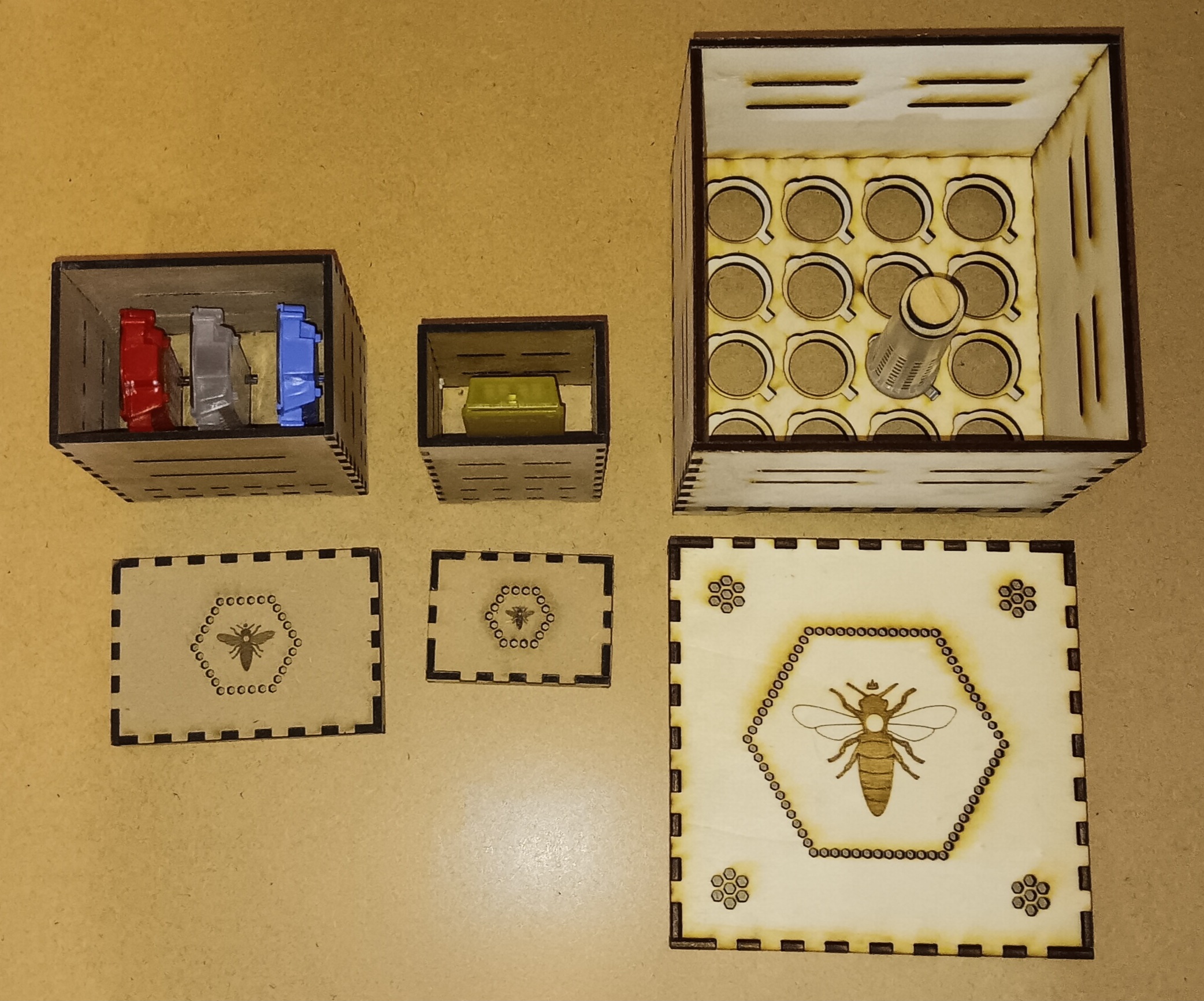
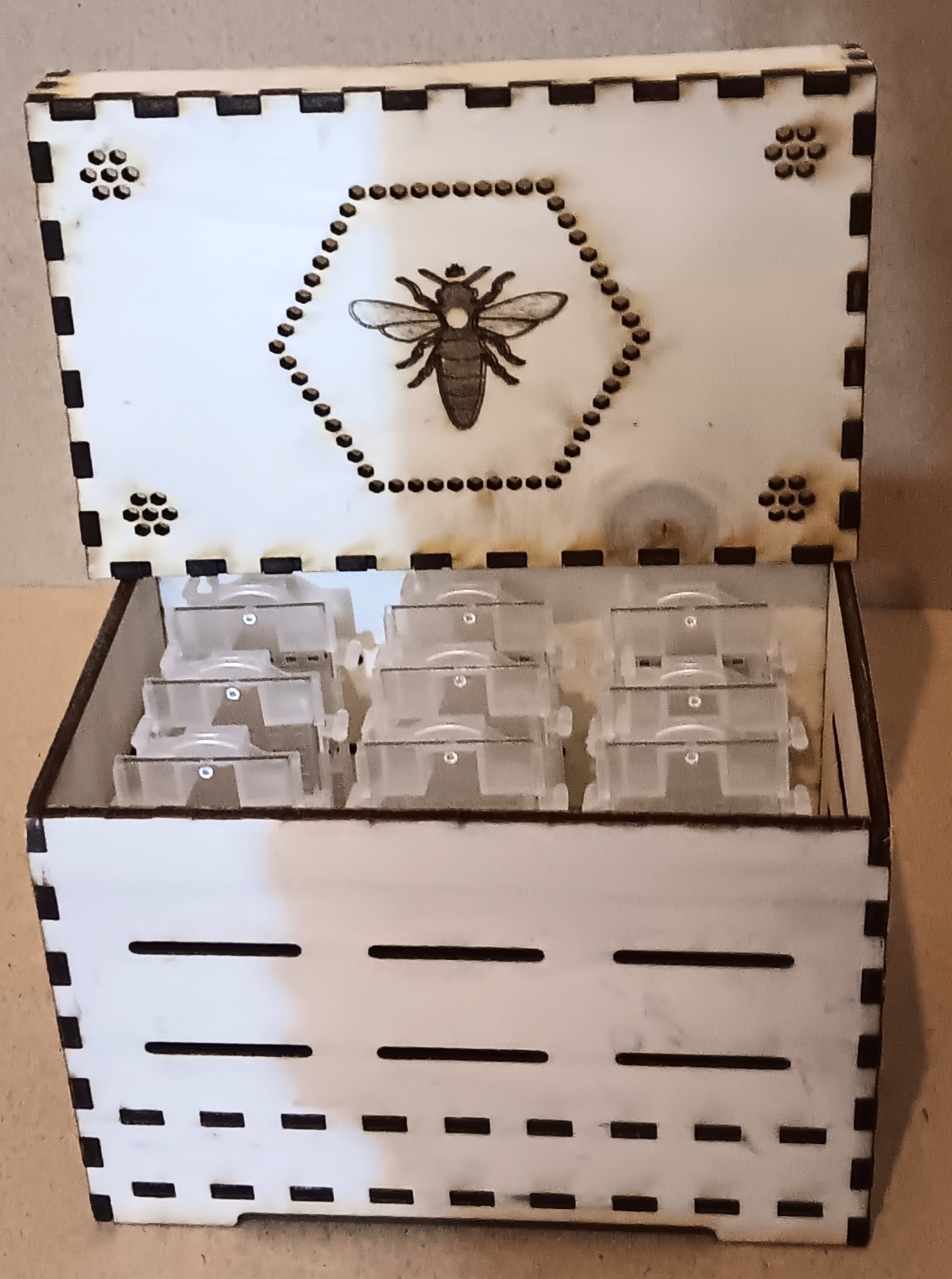
Box to hold Bee Queen Transport Cages like the Nicot transport and introduction cage and size compatible cages but also for round Nicot hatching cages as well as Nicot incubator cages.
The number of cages per box can be adjusted by changing the sections using sx and sy parameters.
Sections to small for the cage dimensions can be used as margins.
Multiple inner layers can be defined using the section parameter sh.
Usually the cage cutout is on layer 1 with an underlaying bottom layer without cutouts or air holes.
For three layers the cutout can be selected using the layer0, layer1 and layer2 parameters.
Users need to ensure to match the layers and section sizes to each other!
Air holes can be added to the box sides using the section parameters ah, ax and ay.
Their height is defined by ah and their position by dividing the box sides into
sections using ax (left to right) and ay (back to front). Even sections are margins, odd sections are holes.
The air hole width is defined by aw. The default value is 3mm which is bee tight.
A value of 4.2mm would make it passable by working bees but still tight for queens.
A value of 5.2mm would make it passable by working bees and queens but still tight for drones.
A special lid is provided which can have air holes and a bee queen icon for decoration.
Examples:
- 3x3 Nicot transport cages including lid with air holes and queen icon
- 3x10 Nicot transport cages including lid with air holes and queen icon
- 4x6 Combination Nicot hatching cages plus incubator cages The bottom layer acts as a rest for the hatching cages but is also a fit for the incubator cages.
- 3x3 JZsBZs cages including lid with queen icon
FAQ:
- No cutouts or air holes are visible on my box?
Make sure the section sizes defined by
sxandsyare large enough to fit the cage dimensions as otherwise these sections are taken as margins.